

You’ll need Node.js 22.0.0 or higher and a Botpress account to log in with.
Install the ADK CLI
Run the install command for your operating system:
Open a new terminal and verify the installation:
macOS & Linux
macOS & Linux
Windows (PowerShell)
Windows (PowerShell)
Log in to Botpress
Authenticate with your Botpress account:Follow the prompts to sign in through your browser. The CLI saves your credentials for every command that follows.
Create a project
Scaffold a new project:Pick the
hello-world template when prompted. The wizard also asks for a package manager and a Botpress workspace to link the project to.Run your agent locally
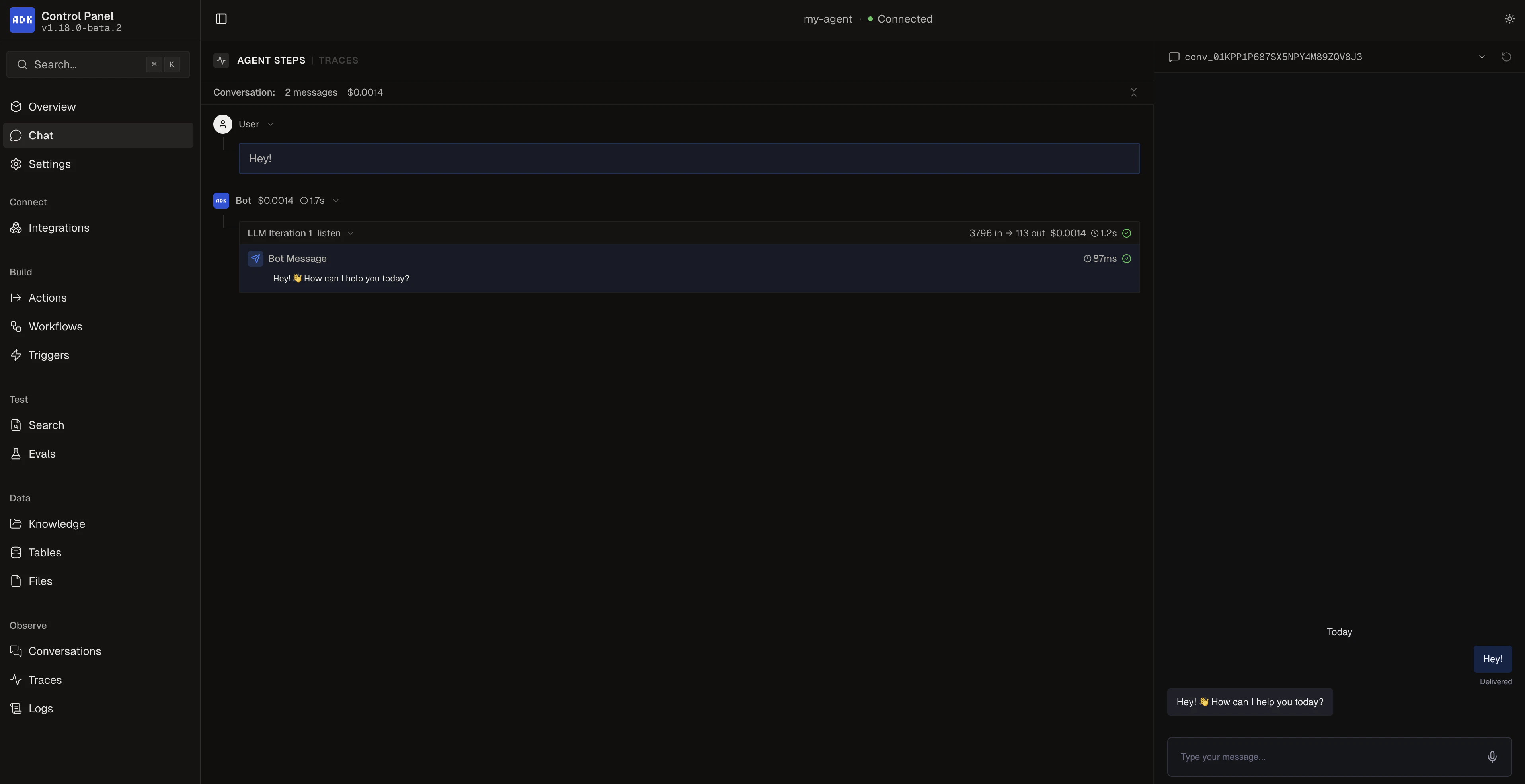
Start the dev server:Open the dev console at http://localhost:3001 and head to the Chat page to talk to your agent.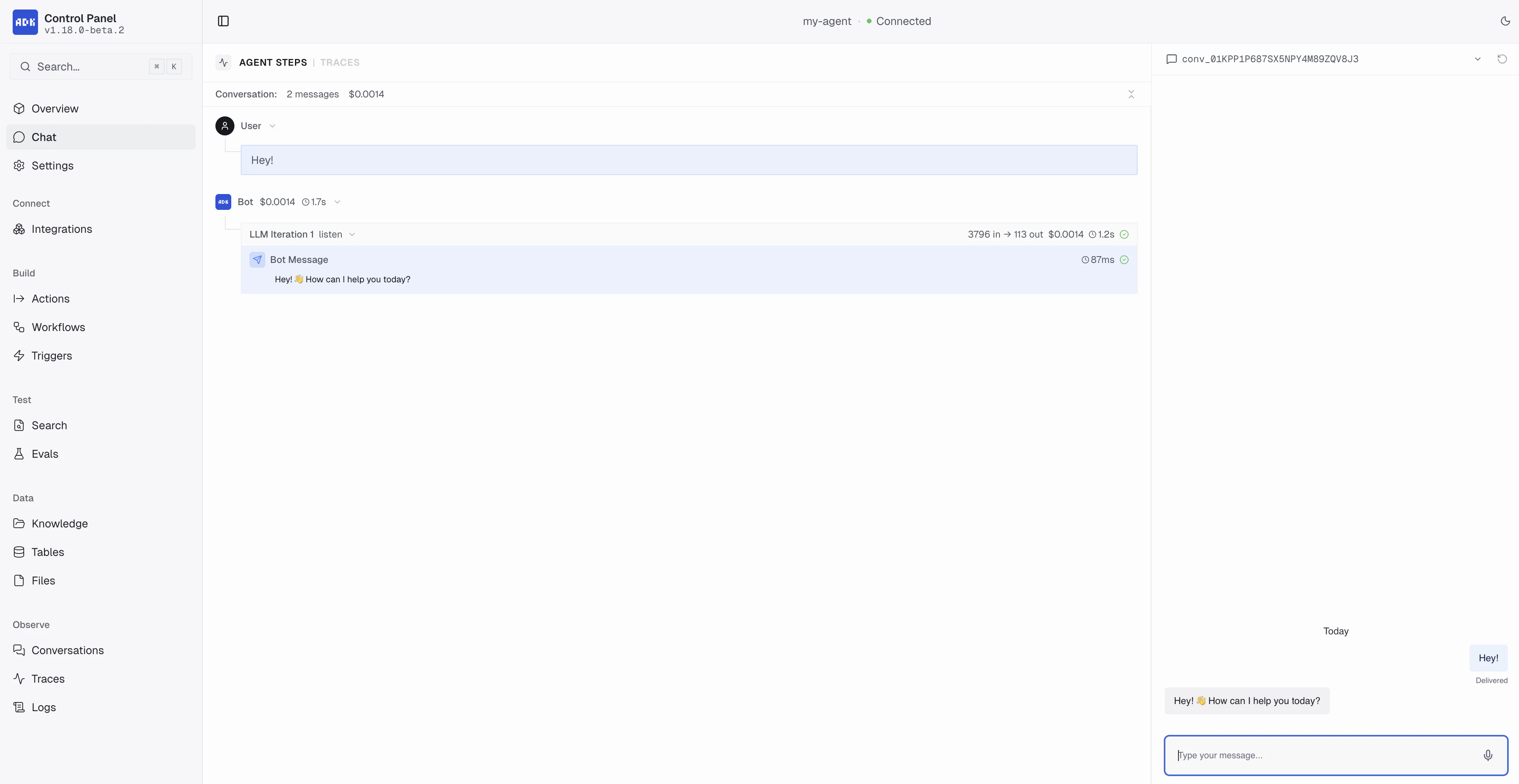
Next steps
Project structure
See what an ADK project looks like.
Build with a coding assistant
Pair the ADK with Claude Code, Cursor, or Codex using ADK skills.